

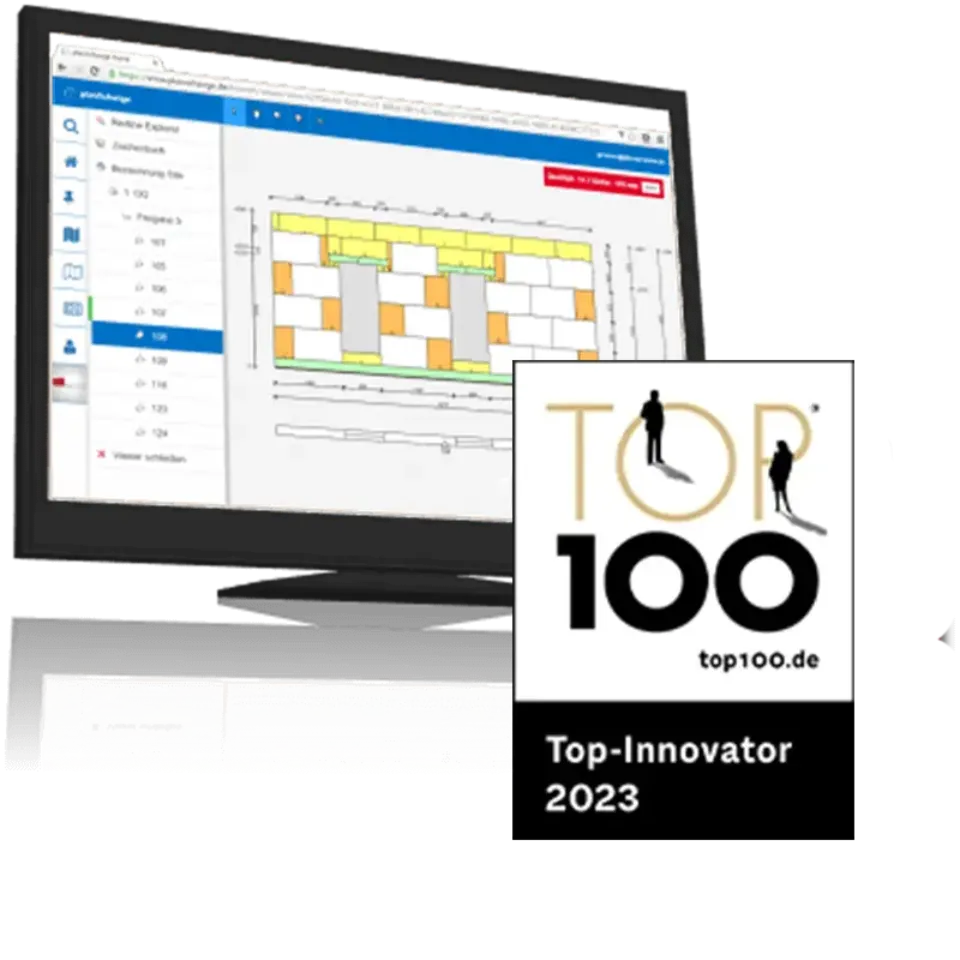
Project Planning Industry 4.0
planXchange
The online platform for plan management and planning communication.
Let the workflow do the guiding
The workflows can be customized to your needs. A proven standard process looks like this:
- The construction material manufacturer creates a project and assigns it to a customer.
- The customer receives an e-mail with login information. After logging in to planXchange, they see that there is a new project for which they have to upload plans.
- After the customer has uploaded plans, they can be viewed online. In Wandplan, the plans are automatically made available in the project manager, so that work preparators and drafters at the construction material manufacturer have them directly at hand.
- As soon as drawings have been created at the construction material manufacturer (e.g. preliminary laying plans), the customer receives an e-mail notification, checks the drawings on the planXchange website, and adds change requests (redlining) without having to install any special software.
- The customer can either approve the drawings for production or submit the change requests, which in turn are directly available in Wandplan and can be processed there.
- After the customer has approved the drawings, this is displayed in Wandplan and the delivery process can start.
- After the delivery is completed, the project is automatically closed in planXchange, but can be viewed in the planXchange archive at any time.
Your contact
If you have any questions about this product, please get in touch with us.